One production pipeline, from generation to final cut
Generate images, short-form, and ad videos on a node-based canvas, then finish them on the timeline. Prompts, models, and results are recorded with full context, so a proven workflow can be reused anytime.
One generative AI studio for AI images, AI videos, and editing
Create AI images and AI videos, compare generative AI models, edit selected areas, and finish content on one connected timeline with GenPresso.
AI image generation
AI video generation
selective image editing
AI video editing
node-based generative AI workflow
While making one short film, these assets piled up
This is a real project — the assets that accumulated on their own while making the short story “Luna of the Moonlight Bookstore.” A skill builds the world, the world becomes shots, shots are recorded as direction, and it all becomes searchable again.
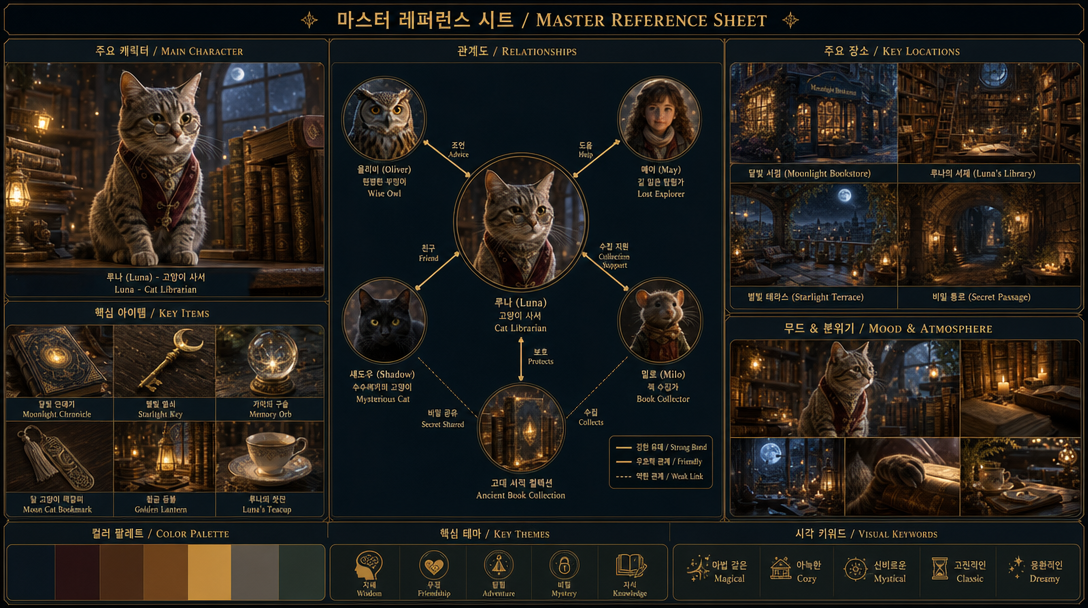
Skill
One line of brief into the Master Sheet skill — “Luna, the cat librarian of the moonlight bookstore.” A production bible with the lead, relationships, locations, and color palette appeared in a single click.
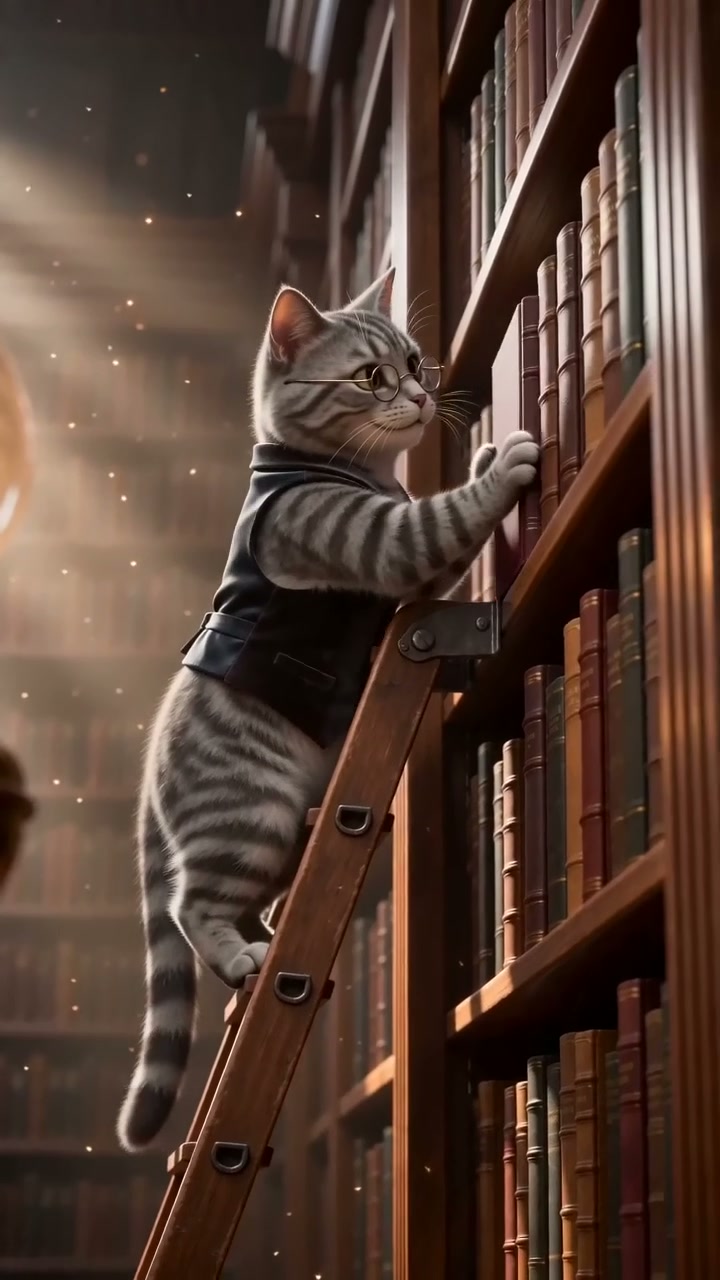
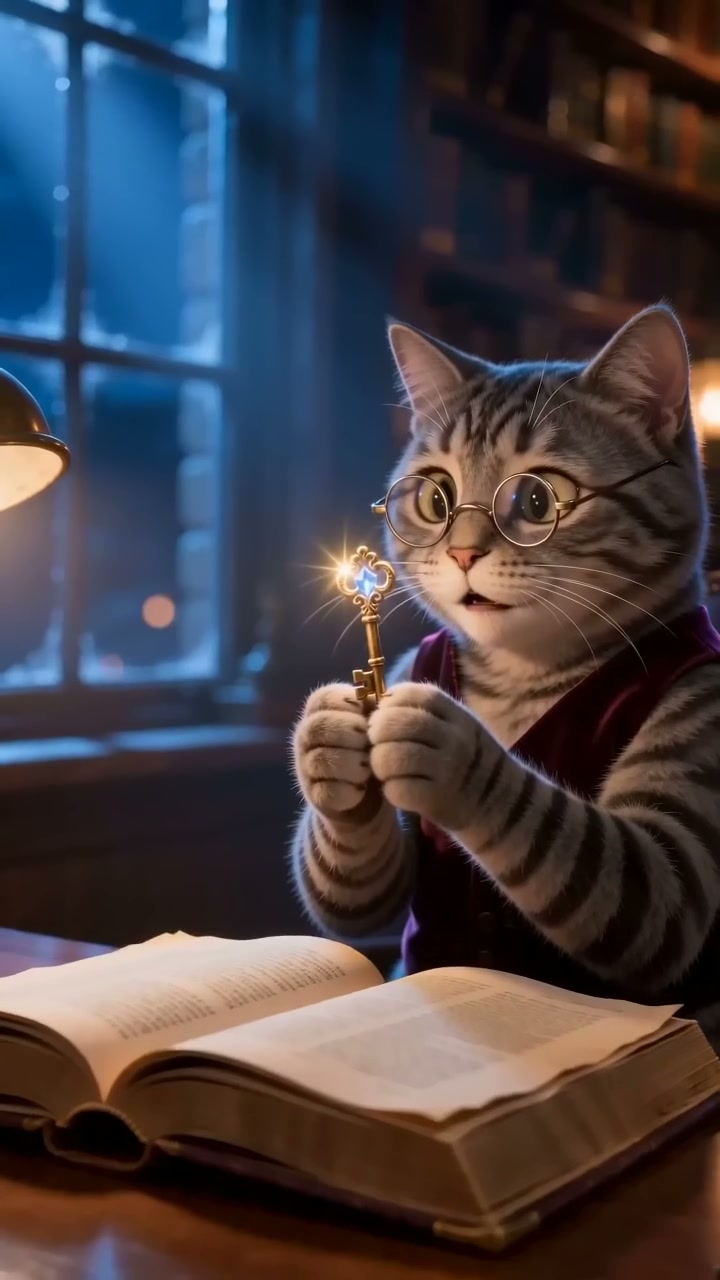
World
We registered the lead from the sheet as the @luna element and pulled it into another canvas to make two shots. The agent asks first — “Reuse the existing @luna to keep the look consistent?” Different shots, same character, same tone.


Direction
The moment the shots were made, scene- and shot-level direction was recorded on its own. The text above is the actual direction data, carried over verbatim — angles, actions, and props kept, so the next episode keeps the same rhythm.

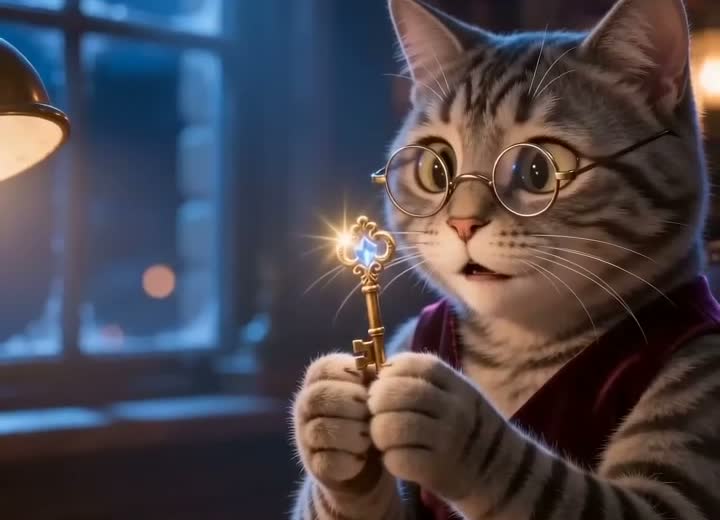
Knowledge
Mid-generation, the agent applied “Production Design” and “Camera Grammar (four elements)” knowledge on its own. The palette above carries straight into the shot’s lighting and tone — we register the rules, the agent triggers them.
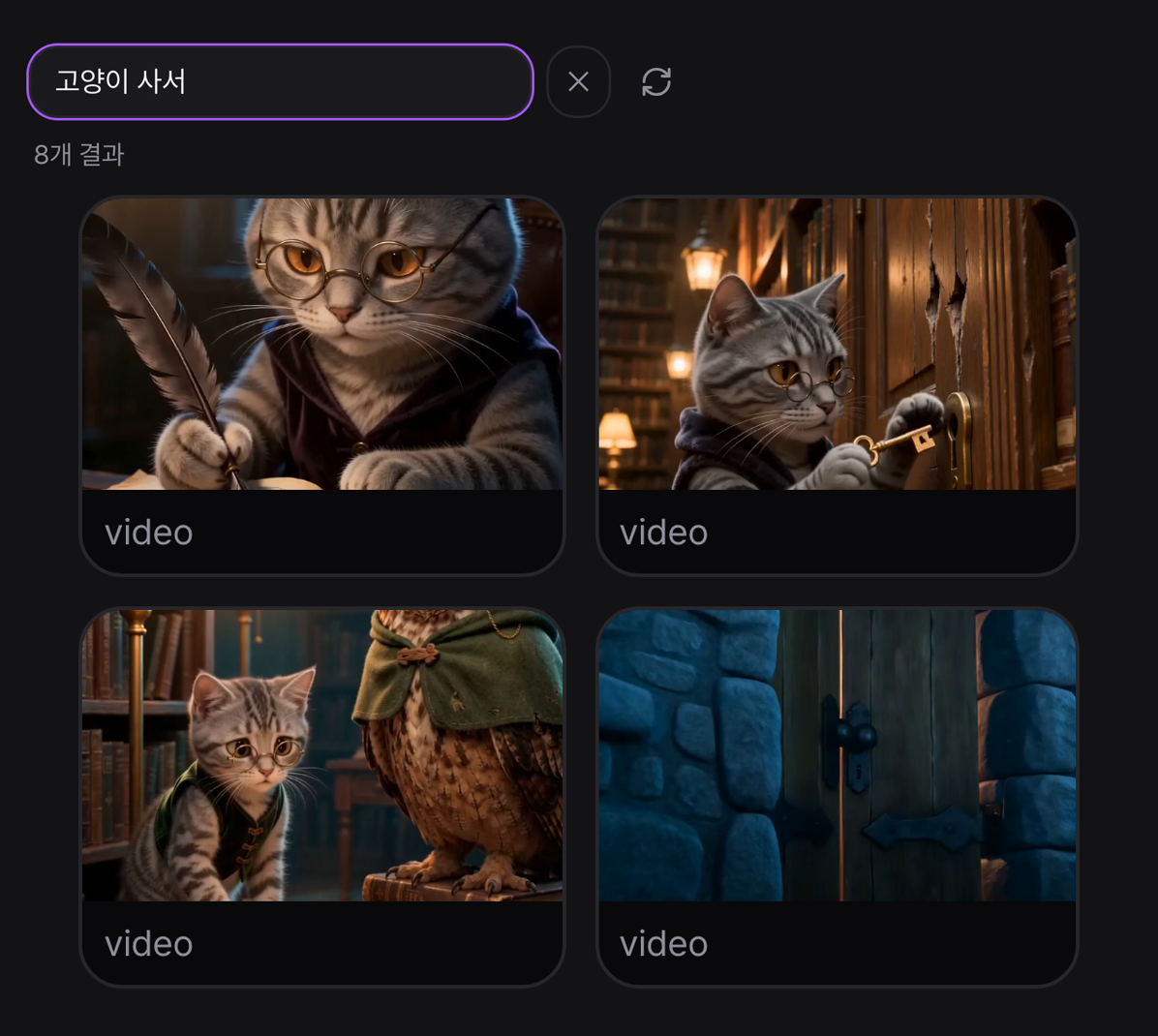
Semantic search
Results that pile up like this are found by meaning, not by filename. Search “cat librarian” and Luna’s 8 cuts surface right away — because the prompt, model, and context are stored alongside them.
From planning to export, with no screen switching
The node canvas and the video timeline live on one screen. From a single project, 9:16, 16:9, and 1:1 — short-form, ads, and feed videos are all finished in the same place.
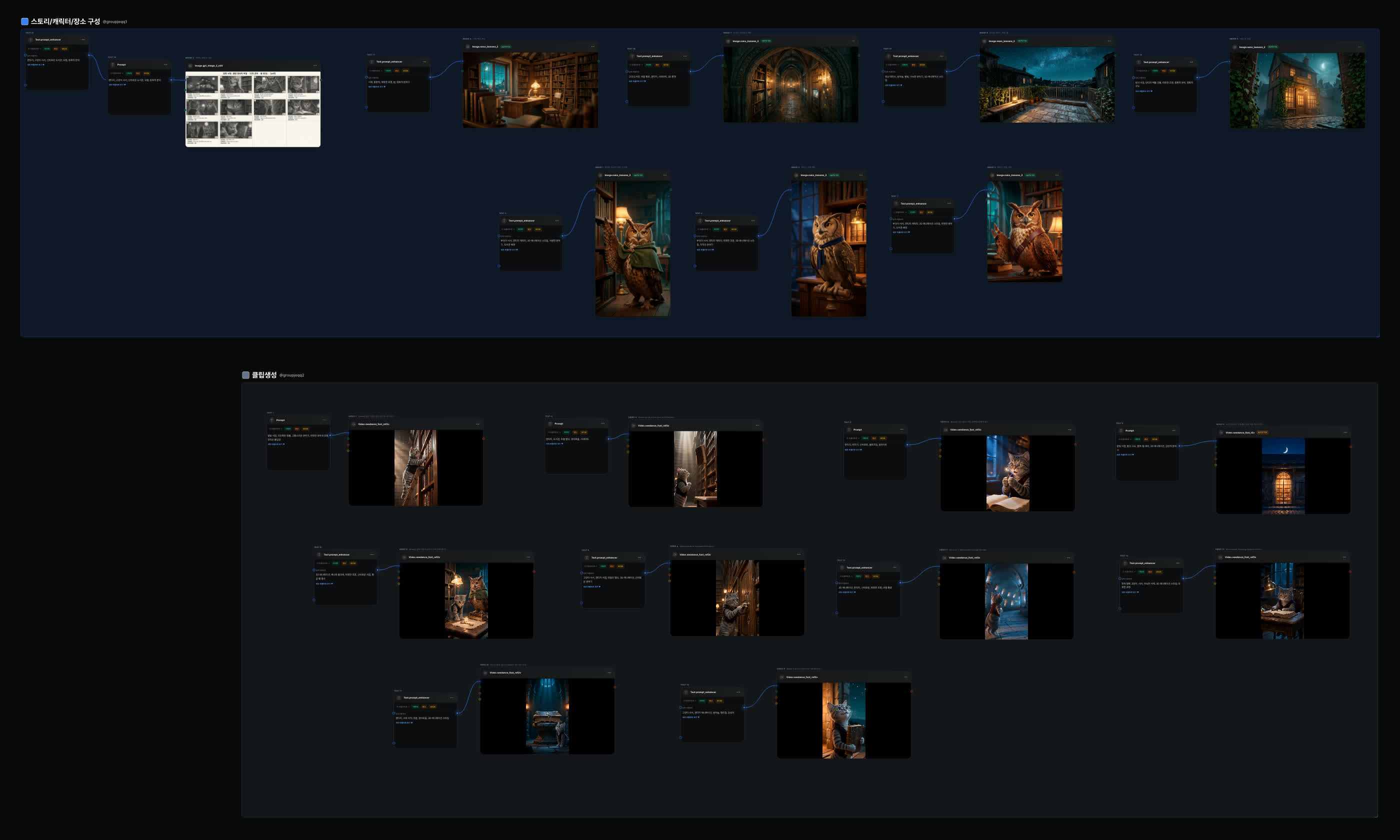
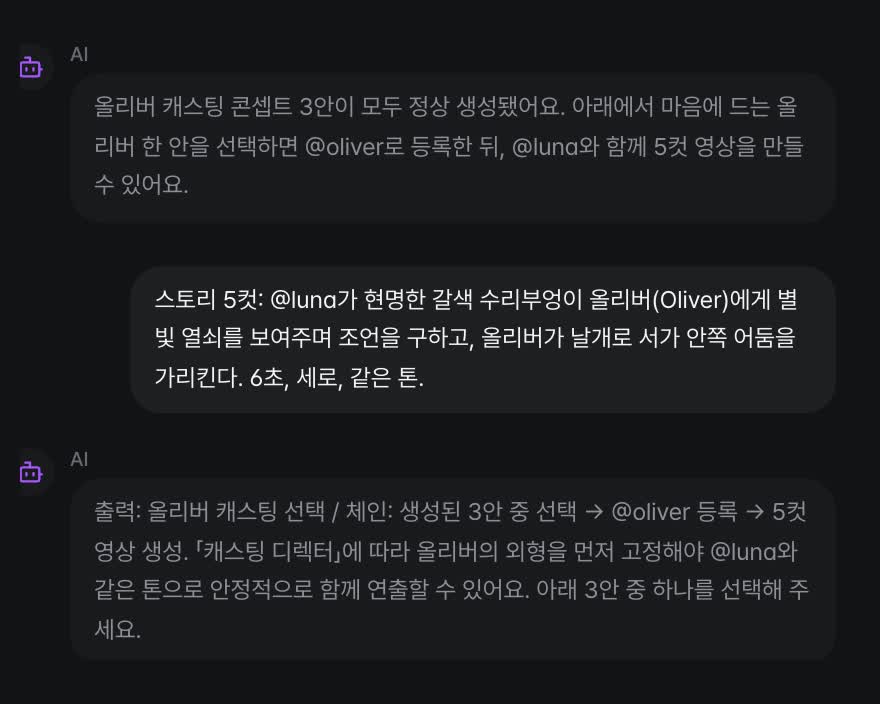
AI Assistant
“@luna on the starlit terrace…” — from node creation to execution, all by natural-language command.
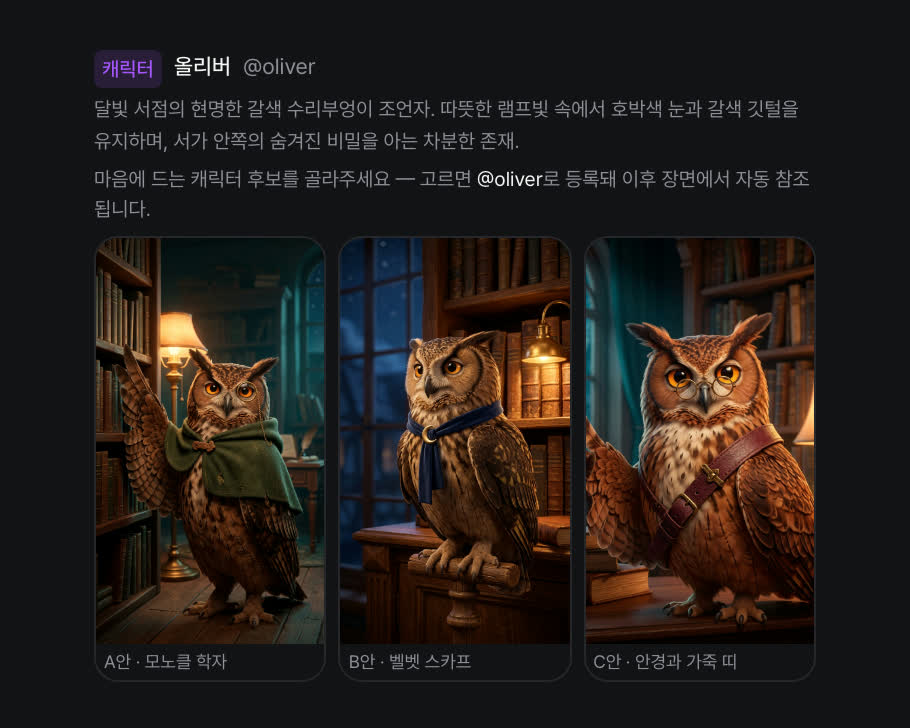
Casting
For a new character the agent proposes three options — pick one and it’s registered as an @element, joining the world.
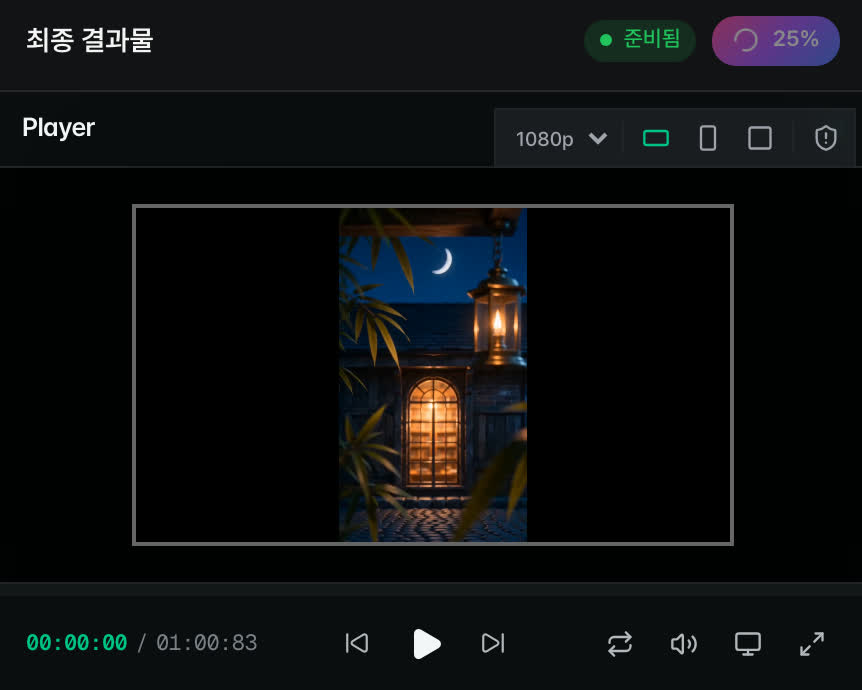
Timeline & Export
Place Luna’s 10 shots tight in story order — then one-click render straight to 1080p.
Built for vertical short drama,
an AI drama production engine
It structures characters, relationships, space, and tone with a world bible before generating. Consistency holds across shots and episodes, automatic QC filters out broken shots, and the final approval stays with a human. Direction standards were built into the engine with a working director’s guidance.
Designed for team production
On the same canvas and the same assets, the whole team builds and approves together.
Real-time co-editing
Work simultaneously on one canvas.
Auto-translated chat
Multilingual teams, one shared context.
Approval workflow
Results are approved by a human.
Shared workspace
For orgs and teams — manage production assets together.
AI-generated content
identification watermark
Validated with GS Retail,
128 produced pieces broadcast
KAIST research-based
tech organization
Registered patents
18
Your next story begins on your canvas.
Everything you generate becomes material for the next task.